The Making of Vis-MLM
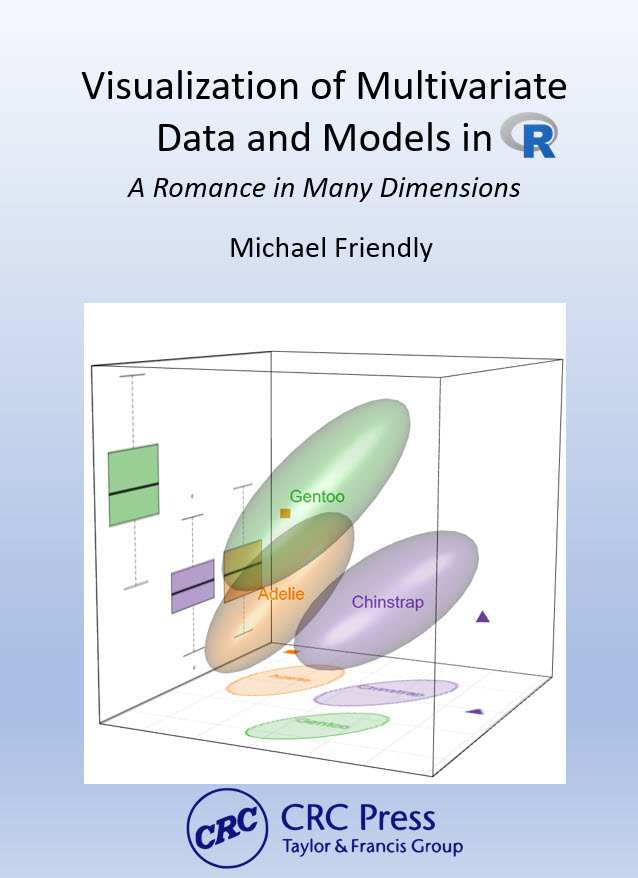
🧊 I’ve been writing Visualizing Multivariate Data and Models in R (CRC Press / Chapman & Hall, in preparation) for several years now. The book uses Quarto to produce both a print-quality PDF and a free online HTML version from a single source. That promise: write once, render to multiple formats is so attractive! In practice, it turned out to be less simple than advertised.
This post introduces a series, The Making of Vis-MLM, on the technical challenges of writing a complex book in Quarto, what I’ve learned, and how I solved (or am still solving) them. I hope it’s useful to others attempting something similar.
This is just an outline of topics I’ve been working on. I’ll write up some of these, when I get a Round Tuit.
The choice of Quarto
My previous book, Discrete Data Analysis with R, was written in .Rnw — LaTeX with embedded R code chunks processed by knitr. The pipeline was transparent:
.Rnw → knitr → .tex → LaTeX → BibTeX → LaTeX → PDFEvery step was explicit. You could run them individually, inspect intermediate files, and control every detail of layout and typography. I was able to design custom visual chapter headers, part-page spreads with color schemes, and a comprehensive dual-index (Subject + Author) using standard LaTeX packages. It’s the book I’m most proud of.
With Quarto, the pipeline becomes:
.qmd → knitr → pandoc → .tex → XeLaTeX → makeindex → PDF
              ↓
             HTML
Pandoc acts as an opaque intermediary between your Markdown source and the LaTeX that XeLaTeX compiles. That extra layer is what buys you the HTML output — but it also means that things which were trivial in .Rnw become genuinely difficult.
I chose Quarto because I wanted the online version to be a first-class citizen, not an afterthought. The trade-off turned out to be steeper than I expected.
The fundamental tension
In .Rnw, you control the LaTeX. You write \index{}, \pkg{}, \href{}, and \footnote{} directly, and you get exactly what you wrote. Custom macros (\pkg{}, \dataset{}, \func{}) can do indexing, citation, and formatting in a single call — reliably, everywhere in the document.
In Quarto, you write Markdown and inline R expressions that generate LaTeX strings, which pandoc then processes. You don’t control the .tex file; Quarto does. If your generated LaTeX has a newline in the wrong place, or pandoc’s % comment-suppression fires near a \footnote{}, or a Lua filter runs during the PDF build when it shouldn’t — you get errors that span three tool layers and take days to diagnose.
The series covers where this tension surfaced in practice, and what I did about it.
Posts in this series
The topics below are drawn from the working notes in my book repository. As I write them up, these will become links to full posts.
Setting up and getting started
Starting from the CRC bare-bones Quarto template: What it provides, what it doesn’t, and what I had to figure out on my own
Quarto is not LaTeX, however hard it tries: A broad comparison of the
.Rnwand Quarto workflows; what I gained and lostGetting HELP: Notes on where I asked questions and how this went: Stack Overflow (
knitr,ggplot2), TeX Stack Exchange, Quarto Dev discussion, ggplot extenders club, Claude.You can’t keep your Quarto project on Dropbox: File locking, sync interference, and why git is now my only sync mechanism
Indexing
Creating book indexes in Quarto: R helper functions, LaTeX macros, and the underscore problem (already written — link coming soon)
The author index disaster: Five things that break simultaneously when you move from BibTeX to pandoc citeproc, and how I worked around each one
The build pipeline
Two weeks in Quarto/Pandoc/LaTeX hell — tracking down
Extra }, or forgotten \endgroupacross three tool layersThe mysterious freeze cache — how Quarto’s execution cache can silently hold stale output, and why changing
common.Rdoesn’t always change your PDFBuild workflow fragility — why there’s no Makefile, why the PDF must be closed before every build, and the
index.pdfvsVis-MLM.pdfnaming confusion
Writing for two formats
Conditional content: HTML vs PDF — using
::: {.content-visible when-format="html"}for animated graphics, tabsets, and things print can’t doLinks become dead text in print — how
[text](url)renders in HTML but needs to become a footnote in the PDF, and the search for a systematic solutionFormatting R package, dataset, and function names — replacing the single
.Rnw\pkg{}macro with an R function that handles HTML color, PDF typeface, indexing, and first-use citation
Layout and typography
Figure sizing for two formats — what looks right in HTML often needs different dimensions in the PDF, and strategies for managing this across 15 chapters
Color in figure captions and text —
colorize(), conditional HTML/PDF output, and why this is harder than it looks
Things Quarto does well
In fairness: Quarto’s HTML output is excellent. Equations, code folding, callout blocks, tabsets, and cross-references work beautifully with minimal configuration. Publishing to GitHub Pages from docs/ is nearly effortless. Single-source dual-output, when it works, is genuinely valuable — most of the book’s content works for both formats without any conditional blocks.
The problems arise at the edges: complex indexing, fine typography, external LaTeX tools, and the Windows build environment. The edges happen to be where a serious print book lives.
Following along
The online version of the book is at https://friendly.github.io/Vis-MLM-book/. If you’re writing a technical book in Quarto — especially one targeting both print and HTML — I hope this series saves you some of the time I’ve spent in the weeds.